
Article content
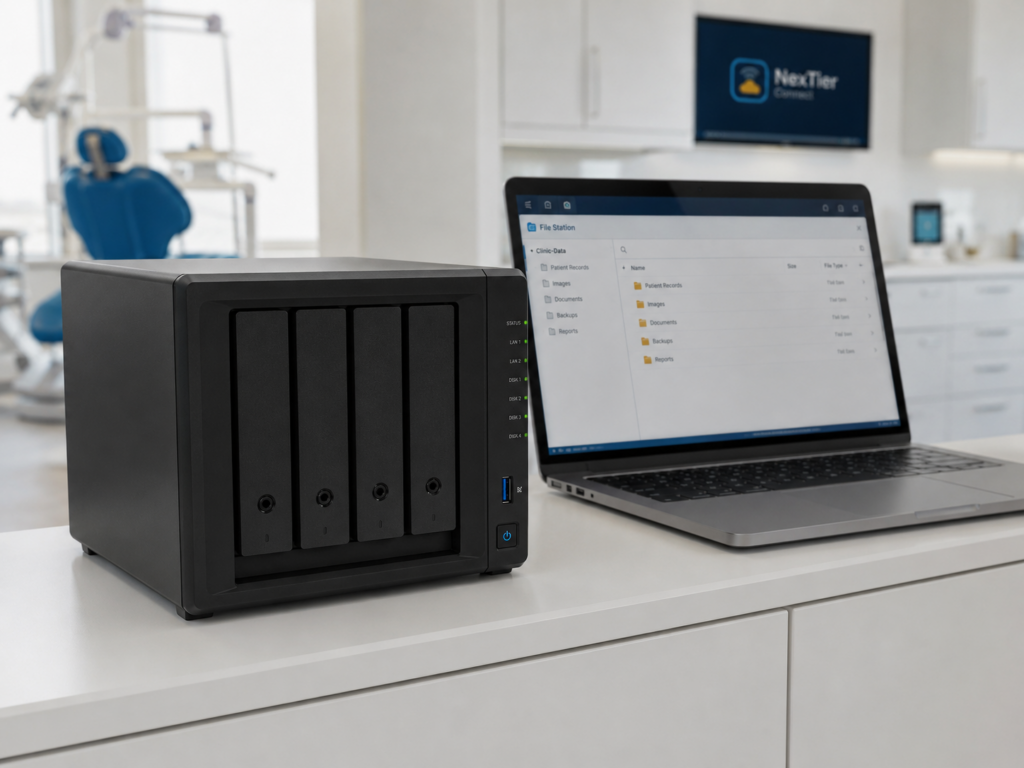
In small clinics and small companies, we usually start using storage in a very simple way: shared folders, documents, images, backups, invoices, reports, and maybe some application data.
At the beginning, everything looks fine because the NAS is working, users can access the files, and nobody is complaining. The problem appears when the storage fails, a disk is damaged, a file is deleted, or the office needs to recover information quickly.
For a clinic, this is not only a technical issue. It can affect daily operations, patient documentation, appointments, billing, and the trust of the team using the system.
What we need to understand
A NAS is useful, but having a NAS does not mean we already have a recovery strategy.
Sometimes we think RAID is enough, but RAID only helps with some disk failures. It does not protect us from accidental deletion, ransomware, corrupted files, hardware failure, or losing the full device.
This is why replication becomes important. We need to think about where the data goes if the main NAS is not available, how fast we can recover it, and how much information we can afford to lose.
What we can implement
The solution does not need to be complicated or attached to one specific brand.
We can start with a simple storage strategy:
- Use the NAS as the main local storage.
- Separate important clinic data from general files.
- Enable snapshots to recover deleted or modified files.
- Replicate critical folders to another NAS, server, or cloud storage.
- Keep at least one copy outside the main location.
- Monitor storage health, disk status, and replication jobs.
- Test recovery, not only backup creation.
For small clinics, the goal is not to build an enterprise datacenter. The goal is to have a realistic plan that works when something fails.
What we learned
The main learning is that storage protection is not only about capacity. It is about recovery.
A NAS with many terabytes is not useful if we do not know how to restore the information. Replication, snapshots, and backup testing should be part of the design from the beginning, not something we add after the first incident.
We also need to keep the solution simple enough to manage. If the process is too complex, nobody will check it, and the risk will continue there silently.
Final thought
For small clinics and small companies, NAS storage can be a very good solution, but we need to respect the data stored there.
The question is not only “where do we save the files?” The real question is: “how do we recover the business if this storage is not available tomorrow?”
That is the reason we should pay attention to replication strategies before the failure happens.
Operational Support
Need Help Applying This in Your Environment?
Our team can help plan practical improvements for reliability, visibility, and connectivity operations.