
Article content
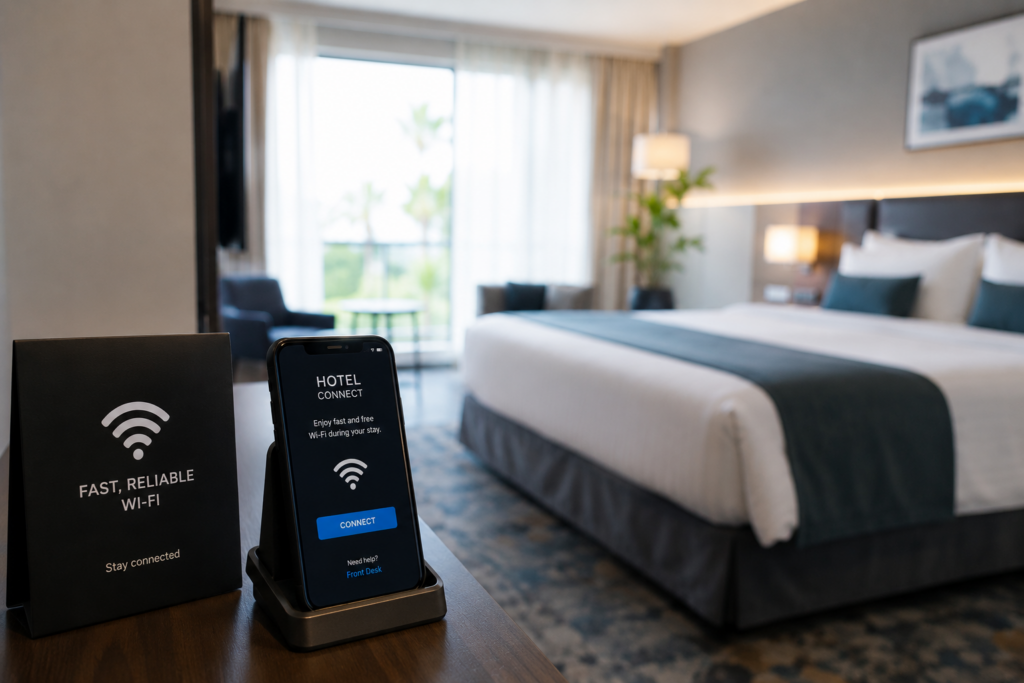
In hospitality, connectivity is part of the service.
Guests may not ask what access points, VLANs, roaming, or authentication we are using, but they notice when the Wi-Fi is slow, unstable, or difficult to use. For them, the network is not a technical detail. It is part of the experience they are paying for.
If the connection fails during a video call, online check-in, payment, streaming, or work session, the perception of the place changes quickly.
What we need to understand
A modern hotel, Airbnb, clinic-style hospitality space, or shared accommodation is not using Wi-Fi only for guests.
We also have staff devices, cameras, smart TVs, payment terminals, VoIP phones, access control, printers, and IoT devices. If everything is placed in the same network, support becomes harder and the risk increases.
The challenge is not only to provide internet. The real challenge is to design a network that is stable, segmented, secure, and simple for the user.
A practical reference for user experience
The numbers below are not a replacement for a proper Wi-Fi survey, but they help us understand what a normal workstation or guest device may need in different scenarios.
| Use case | Recommended speed per device | Recommended signal | Notes |
|---|---|---|---|
| Basic browsing / email | 5–10 Mbps | -67 dBm or better | Good for normal office work and cloud apps |
| VoIP / Wi-Fi calling | 1–2 Mbps | -67 dBm or better | Stability and low latency matter more than speed |
| Video call / Teams / Zoom | 5–10 Mbps | -65 dBm or better | Roaming quality is important when users move |
| HD streaming | 10–15 Mbps | -65 dBm or better | Common for guest entertainment and rooms |
| 4K streaming | 25 Mbps+ | -60 dBm or better | Requires cleaner signal and good capacity planning |
| POS / payment terminals | 1–5 Mbps | -67 dBm or better | Reliability is more important than high bandwidth |
| Smart TVs / IoT devices | 5–25 Mbps | -67 dBm or better | Should be separated from staff and business systems |
| Staff workstation | 10–25 Mbps | -65 dBm or better | Depends on cloud apps, file access, and video meetings |
| High-density areas | Depends on users | -65 dBm or better | Capacity and channel planning matter more than signal bars |
The important point is simple: full bars do not always mean good Wi-Fi. A device can have signal and still suffer from poor roaming, interference, congestion, or bad access point placement.
What we can implement
We can start with a practical design instead of just adding more access points.
The basic approach can include:
- Separate guest, staff, IoT, and operational devices.
- Design Wi-Fi coverage based on real movement areas.
- Validate roaming between lobby, rooms, hallways, and common spaces.
- Keep the guest connection simple and predictable.
- Monitor access points, client experience, disconnections, and bandwidth usage.
- Protect internal systems from guest traffic.
- Test the network with real devices before considering the project finished.
The goal is not to make the network complex. The goal is to make the experience feel simple.
What we learned
The main learning is that good connectivity is noticed when it fails.
If everything works, guests just continue with their day. But if the network is unstable, they feel stress, they contact staff, and they may associate the problem with poor service.
We also learned that hospitality networks need balance. Security matters, but the guest experience also matters. A secure design that is difficult to use can create frustration. A simple design without segmentation can create risk.
Final thought
For modern hospitality environments, Wi-Fi should feel invisible.
Guests should be able to connect, move, work, call, stream, and pay without thinking about the network behind the scenes.
That is why connectivity design matters. It is not only a technical decision; it directly affects how customers feel about the service they receive.
Operational Support
Need Help Applying This in Your Environment?
Our team can help plan practical improvements for reliability, visibility, and connectivity operations.